Here's How to Install Flatpak on Ubuntu 24.04
Flatpak is another software packaging system that offers self-contained application bundles. Mostly these bundles have all the peer dependencies for the specific package. It is a more one-liner solution just like Snapcraft. It also has a vast repository of applications.
Installing Flatpak
Step 1: Open the terminal
Open the terminal using the quick command CTRL + ALT + A.
Step 2: Install flatpak
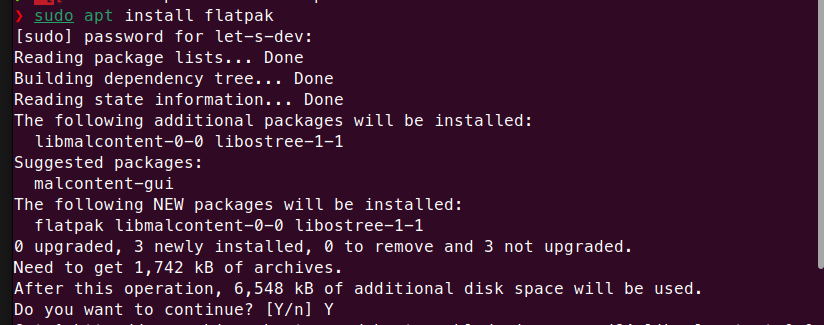
Run the following command. Enter your password when prompted. This will download and install the necessary Flatpak packages.
sudo apt install flatpakWrite Y and press Enter
Step 3: Enable flatpak
We have installed Flatpak but access to the repository is not available right now, to make Flatpak functional, run the following command;
flatpak remote-add --if-not-exists flathub https://flathub.org/repo/flathub.flatpakrepo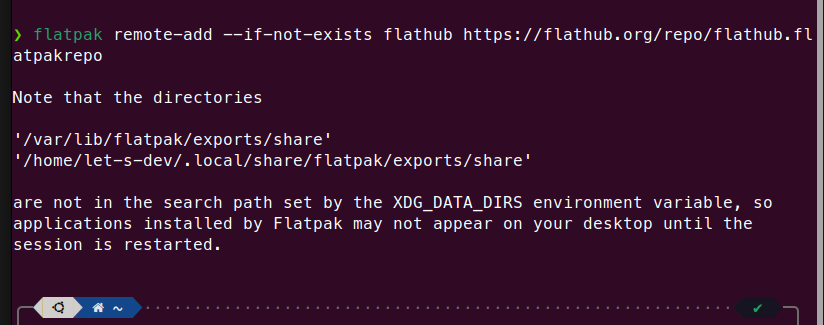
Now we need to restart our computer.
Step 4: Software Flatpak Plugin
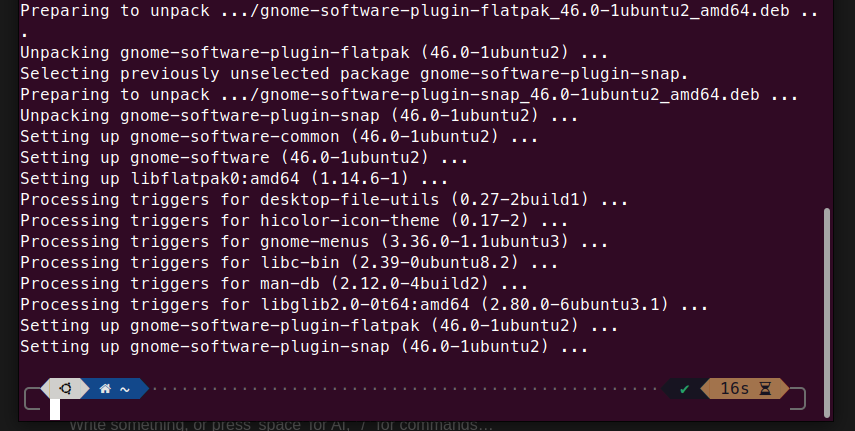
The next step is to install the Software Flatpak plugin:
sudo apt install gnome-software-plugin-flatpakStart:

Final:
Step 5: Troubleshooting (Optional)
Some users may face the following error if the package repository was not correctly added.
Problem
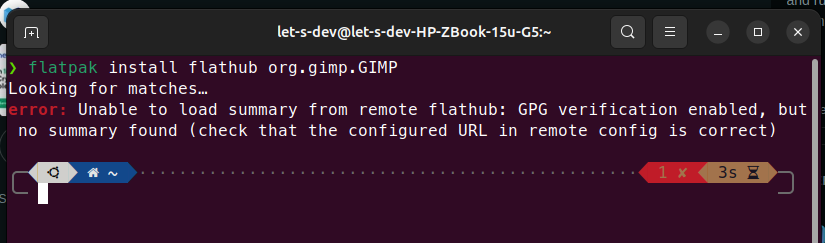
Let’s fix the problem, use following command
It will ask you for password 2 times, provide that.
flatpak remote-delete --force flathub
flatpak remote-add --if-not-exists flathub https://flathub.org/repo/flathub.flatpakrepo
Time to test
Let’s test it by installing something. I have to install ksnip.
flatpak install flathub org.ksnip.ksnipInstalled…
Watch the complete installation process:
